Your menu bar, back under control.
Barvo gives the menu bar three zones: shown, hidden, and always hidden. Click to reveal, drag icons between zones on a layout screen that shows the real thing - and nothing moves or hides unless you asked it to.
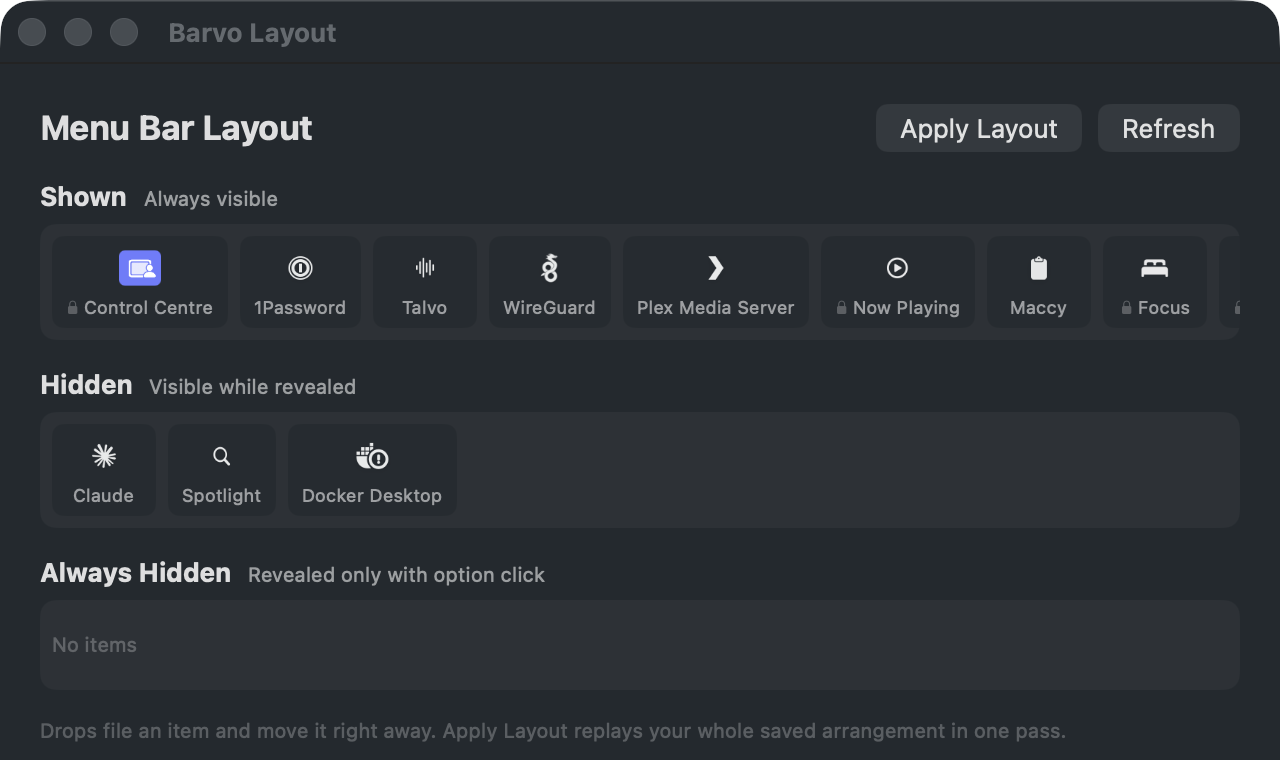
Never hides on its own
New icons stay exactly where macOS puts them until you file them. No daemon watching your bar, no ghost clicks, no surprises.
Verified moves
Every placement is checked against the real bar and retried at most twice. Your mouse and keyboard always win: real input aborts instantly.
Stable foundations
Hiding and showing is built on plain, public macOS machinery - the part OS updates do not break. The clever extras sit on top, never underneath.
Get in touch
Found a rough edge, or have a question before it ships? Send a message and I will reply to the address you give.
Thanks, that is sent. I will reply to the address you gave.
Something went wrong sending that. Please try again.